

How to Make Your Content AI-Friendly Without Losing Human Readers
Most of the advice circulating about "AI-optimized content" will make your writing worse. Not because the goal is wrong, but because the execution is...
Read the articleSEO for WordPress developers, not marketers. Structured data, crawl control, Core Web Vitals, and plugin-level optimizations that put you in control of how search engines read your site.
Most of the advice circulating about "AI-optimized content" will make your writing worse. Not because the goal is wrong, but because the execution is...
Read the article
Most developer blogs have a traffic problem that has nothing to do with writing quality. The posts are technically accurate, well-structured, and...
Read the article
Most SEO advice is written for blogs. WooCommerce stores operate under entirely different rules - and applying content SEO logic to an e-commerce...
Read the article
Most WordPress SEO guides assume your audience is global. For a plumber in Phoenix or a dental practice in Edinburgh, that assumption is quietly...
Read the article
Ask ten WordPress developers which translation plugin to use and you will hear the same two names: WPML and Polylang. Both have been around for more...
Read the article
Every link building guide you find online was written for a site that already has links. They talk about "earning" links through great content, as if...
Read the article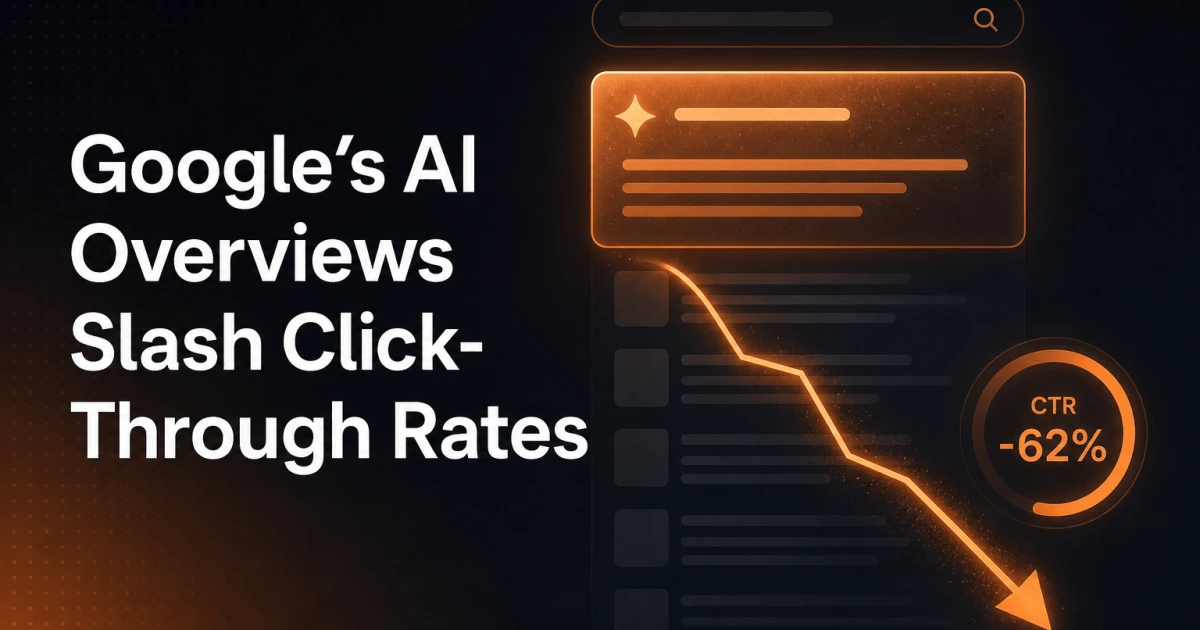
Zero-click searches were already a problem before AI Overviews arrived. Featured snippets, knowledge panels, and answer boxes had been eating into...
Read the article
Most search queries no longer end with a click. Google's AI Overviews, Perplexity, ChatGPT, and similar systems intercept the question and serve the...
Read the article
Most ranking drops after a site migration were preventable. They happen not because Google penalizes migrations, but because teams skip steps that...
Read the article
Every time someone shares a link on Facebook, LinkedIn, or Slack, a decision is made in milliseconds: which image to show, what headline to display,...
Read the article
Structured data has exactly one job: communicate page meaning to machines in a language they can parse without guessing. The question of how to...
Read the article
Most WordPress sites publish dozens of articles, optimize their titles, chase backlinks - and completely ignore the one content type that would...
Read the articleMost SEO advice stops at keywords and meta titles. For developers building WordPress sites, the real leverage sits deeper - in how the server responds, how markup is structured, and how plugins interact with the render pipeline. A misconfigured wp_head hook or a bloated third-party script can quietly undermine months of content work. This category covers SEO from the implementation side: the decisions you make in code, not in a dashboard.
Search engines reward pages that communicate context explicitly. Schema.org vocabulary, delivered as JSON-LD and injected via wp_head, tells crawlers exactly what a page represents - an article, a product, a local business, a FAQ block. WordPress does not output rich structured data by default, which means developers either implement it manually or choose a plugin that does it correctly. The Yoast SEO plugin generates Schema graphs automatically, but understanding the output matters: you need to verify that @type, @id, and entity relationships are correct for your content model, not just present. Google's Rich Results Test is the fastest way to confirm what the crawler actually sees.
Google's Core Web Vitals - Largest Contentful Paint, Interaction to Next Paint, and Cumulative Layout Shift - are ranking signals, but they are also performance diagnostics. Each metric points to a specific class of problem:
LCP above 2.5 seconds usually traces back to unoptimized hero images, render-blocking scripts, or slow server response. In WordPress, late-loading of the featured image or a heavy page builder is often the cause.
CLS above 0.1 frequently comes from images without explicit width and height attributes, or from late-injected ad and cookie consent elements that shift layout after the first paint.
INP above 200ms points to long JavaScript tasks on the main thread. Auditing with Chrome DevTools' Performance panel and trimming unnecessary wp_enqueue_script calls is a direct intervention.
PageSpeed Insights and the Chrome User Experience Report (CrUX) give you field data, not just lab scores. Both should be part of any pre-launch checklist.
WordPress generates a lot of URLs by default - tag archives, author pages, date archives, attachment pages - and most of them add crawl budget waste without adding ranking value. Controlling what gets indexed means working with robots.txt, canonical tags, and the noindex directive deliberately. The Robots API introduced in WordPress 5.7 lets plugins and themes filter the default robots output via the robots_txt filter, giving you programmatic control without editing files manually. For larger sites, combining this with XML sitemap configuration - whether through Yoast, Rank Math, or a custom implementation - ensures that crawlers spend time on pages that matter.
Technical SEO is not a one-time audit. It is a set of constraints you build into how a WordPress site is architected from the start - and a discipline you return to every time a plugin update, a theme change, or a new content type shifts the structure of the site.
Get in touch if you have suggestions for articles or topics.