
Content Cannibalization: How to Find and Fix It
When two pages on your site compete for the same keyword, neither wins convincingly. Google is forced to pick one, often inconsistently, and both...
Read the articleSEO for WordPress developers, not marketers. Structured data, crawl control, Core Web Vitals, and plugin-level optimizations that put you in control of how search engines read your site.
When two pages on your site compete for the same keyword, neither wins convincingly. Google is forced to pick one, often inconsistently, and both...
Read the article
Anchor text is one of the oldest ranking signals in Google's algorithm - and one of the most abused. The clickable words that form a hyperlink...
Read the article
A site with 40 articles on a narrow subject will consistently outrank a site with 400 articles spread across unrelated topics. This is not a quirk of...
Read the article
Most SEO investment chases the same two activities: content production and backlink acquisition. Both are expensive. Both take months to show...
Read the article
A URL is the most visible signal on any page - seen before the title, before the meta description, before a single word of content. Yet most...
Read the article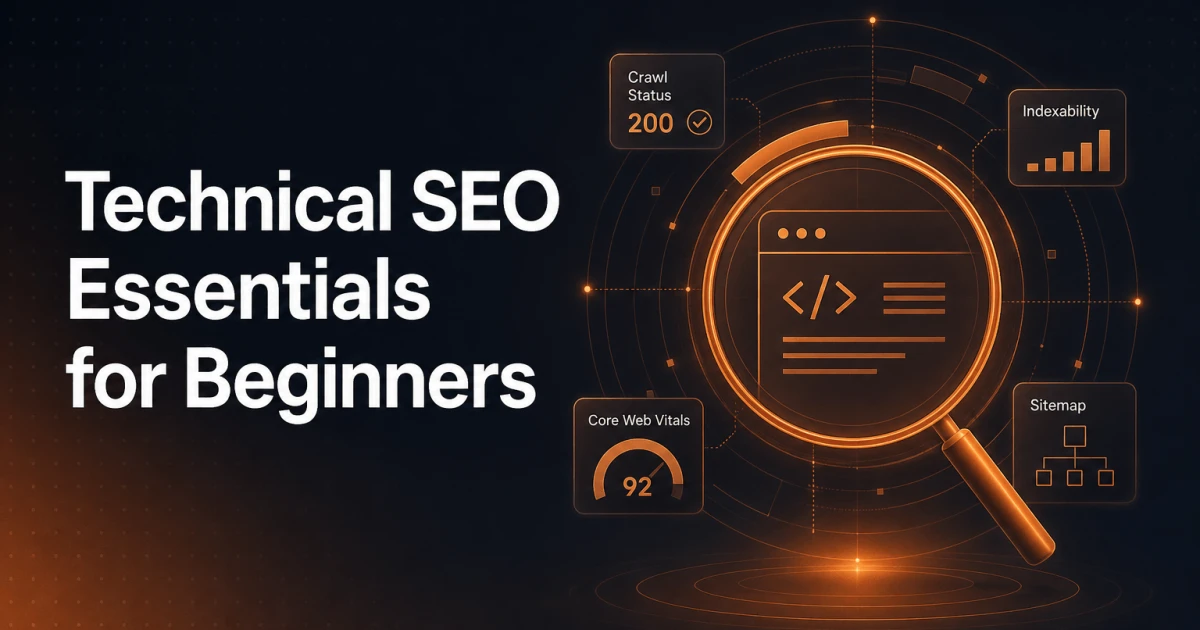
Most SEO conversations start with content - keywords, headings, meta descriptions, and backlinks. That layer matters, but it sits on top of something...
Read the article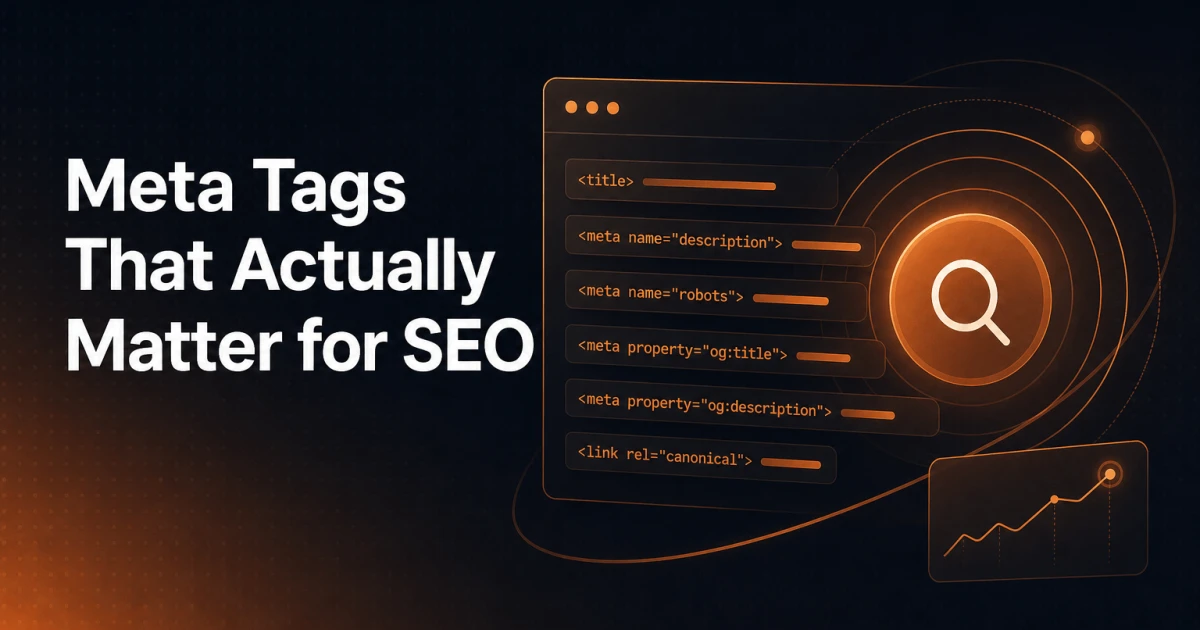
Most WordPress sites have dozens of meta tags in their <head>. A handful of them do real work. The rest are either decorative, legacy artifacts, or...
Read the article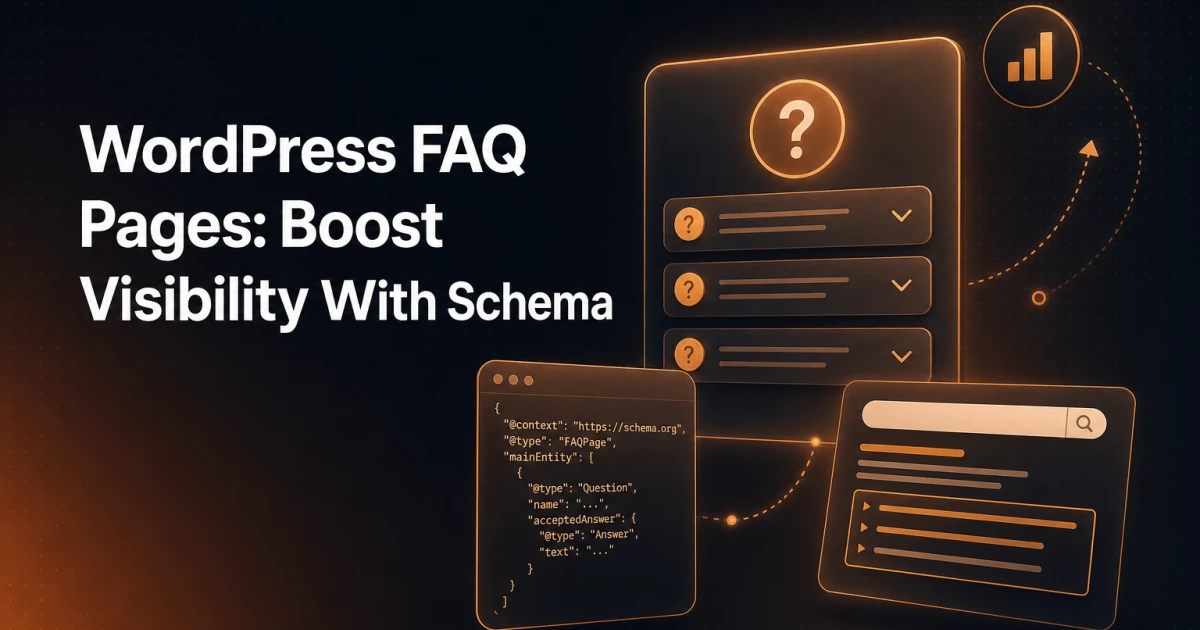
A well-structured FAQ page does something most content cannot: it answers specific questions at the exact moment someone types them into a search...
Read the article
Google confirmed years ago that meta descriptions are not a ranking factor. They do not move a page up or down in search results. And yet, a poorly...
Read the article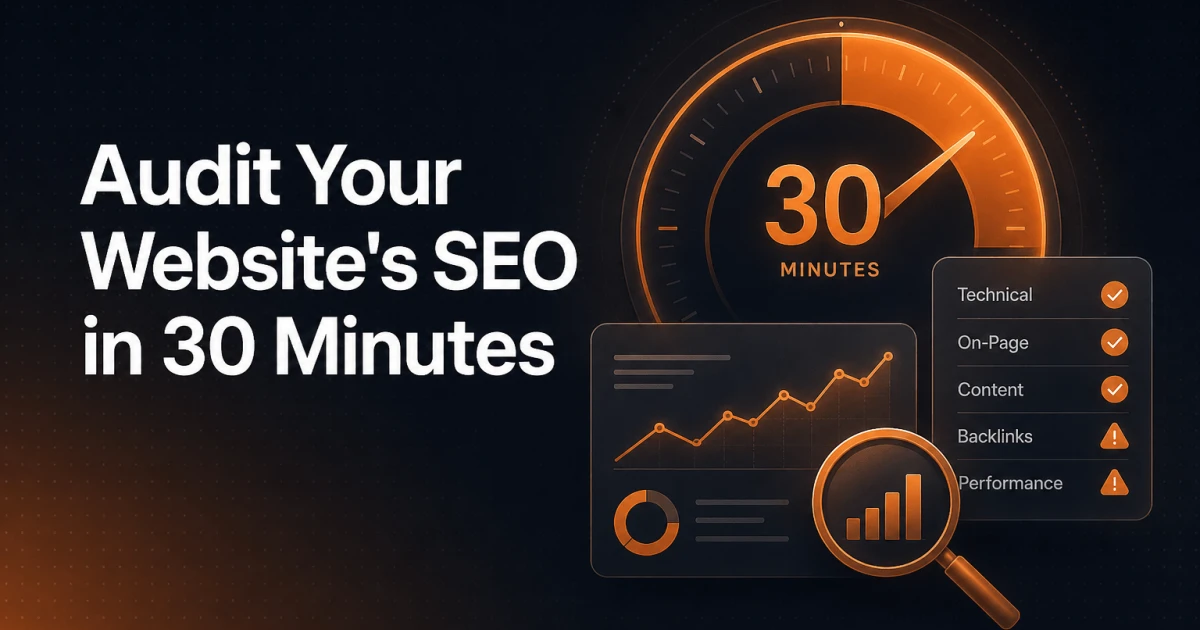
Most SEO audits never happen - not because site owners don't care, but because the process feels enormous. Tools demand logins, reports run to 200...
Read the article
Most WordPress site owners verify their property in Google Search Console, see a dashboard full of graphs, and close the tab. That's a significant...
Read the article
Most WordPress site owners choose their SEO plugin the same way they choose a default browser: they install whatever comes up first and never revisit...
Read the articleMost SEO advice stops at keywords and meta titles. For developers building WordPress sites, the real leverage sits deeper - in how the server responds, how markup is structured, and how plugins interact with the render pipeline. A misconfigured wp_head hook or a bloated third-party script can quietly undermine months of content work. This category covers SEO from the implementation side: the decisions you make in code, not in a dashboard.
Search engines reward pages that communicate context explicitly. Schema.org vocabulary, delivered as JSON-LD and injected via wp_head, tells crawlers exactly what a page represents - an article, a product, a local business, a FAQ block. WordPress does not output rich structured data by default, which means developers either implement it manually or choose a plugin that does it correctly. The Yoast SEO plugin generates Schema graphs automatically, but understanding the output matters: you need to verify that @type, @id, and entity relationships are correct for your content model, not just present. Google's Rich Results Test is the fastest way to confirm what the crawler actually sees.
Google's Core Web Vitals - Largest Contentful Paint, Interaction to Next Paint, and Cumulative Layout Shift - are ranking signals, but they are also performance diagnostics. Each metric points to a specific class of problem:
LCP above 2.5 seconds usually traces back to unoptimized hero images, render-blocking scripts, or slow server response. In WordPress, late-loading of the featured image or a heavy page builder is often the cause.
CLS above 0.1 frequently comes from images without explicit width and height attributes, or from late-injected ad and cookie consent elements that shift layout after the first paint.
INP above 200ms points to long JavaScript tasks on the main thread. Auditing with Chrome DevTools' Performance panel and trimming unnecessary wp_enqueue_script calls is a direct intervention.
PageSpeed Insights and the Chrome User Experience Report (CrUX) give you field data, not just lab scores. Both should be part of any pre-launch checklist.
WordPress generates a lot of URLs by default - tag archives, author pages, date archives, attachment pages - and most of them add crawl budget waste without adding ranking value. Controlling what gets indexed means working with robots.txt, canonical tags, and the noindex directive deliberately. The Robots API introduced in WordPress 5.7 lets plugins and themes filter the default robots output via the robots_txt filter, giving you programmatic control without editing files manually. For larger sites, combining this with XML sitemap configuration - whether through Yoast, Rank Math, or a custom implementation - ensures that crawlers spend time on pages that matter.
Technical SEO is not a one-time audit. It is a set of constraints you build into how a WordPress site is architected from the start - and a discipline you return to every time a plugin update, a theme change, or a new content type shifts the structure of the site.
Get in touch if you have suggestions for articles or topics.