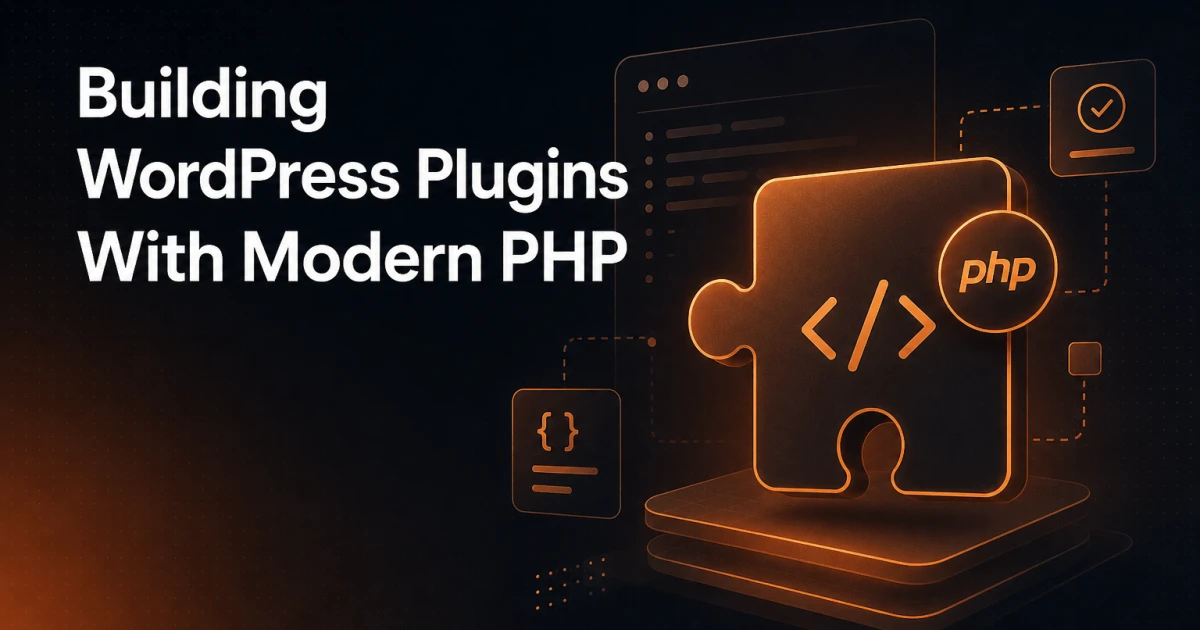
Most WordPress plugins shipping today are written in a style that PHP 8.x made obsolete years ago. Global functions, manual require chains, procedural hooks everywhere, and zero test coverage - these are not signs of "keeping it simple." They are technical debt accumulating silently until the day a naming collision crashes a production site or a security audit finds unescaped output in a dozen templates. The gap between how WordPress allows you to write code and how modern PHP expects you to write code is real, but it is entirely navigable.
Why the Gap Between WordPress Standards and Modern PHP Exists
WordPress traces its PHP roots back to an era before namespaces, before Composer, and before PSR standards existed. The official WordPress Coding Standards still reflect that history - snake_case function names, procedural architecture, and a preference for global functions over OOP abstractions. None of this is wrong for WordPress core, which must support millions of sites across wildly different hosting environments. But plugin developers are not bound by the same backward-compatibility obligations as core.
The practical constraint is PHP version support. WordPress officially supports PHP 7.4+, and many managed hosts still default to PHP 7.x for legacy accounts. If your plugin targets the full WordPress.org ecosystem, you need to be careful about which PHP 8.x features you adopt. If you're building a plugin for a controlled client environment or your own SaaS product, you can set a hard minimum of PHP 8.1 or 8.2 in your composer.json and stop worrying about it.
The key insight is that modern PHP practices and WordPress conventions are not mutually exclusive. You can use namespaces, Composer autoloading, typed properties, and dependency injection while still registering hooks with add_action() and respecting the WordPress plugin API. The plugin bootstrap file can remain a thin adapter layer - WordPress-flavored glue that wires your well-structured PHP application into the CMS.
Autoloading with Composer: Ending the require Chain
Manual require_once statements scattered through a plugin are a maintenance liability. They create brittle load-order dependencies, make refactoring painful, and are entirely unnecessary once you adopt Composer. PSR-4 autoloading maps namespaces to directory structures, so PHP loads class files on demand without any manual wiring.
A minimal composer.json for a plugin namespace looks like this:
{
  "name": "yourvendor/your-plugin",
  "autoload": {
    "psr-4": {
      "YourVendor\\YourPlugin\\": "src/"
    }
  },
  "require": {
    "php": ">=8.1"
  }
}
After running composer install, you include a single line in your main plugin file:
require_once __DIR__ . '/vendor/autoload.php';Everything under src/ is now autoloaded. A class at src/Admin/SettingsPage.php with the namespace YourVendor\YourPlugin\Admin\SettingsPage loads automatically the moment it is referenced. No more hunting for a missing require when you move a file.
One important note for WordPress.org plugin submissions: the vendor/ directory must be committed to the SVN repository. Some developers use a build step with composer install --no-dev to strip development dependencies before deployment, which is the right approach - PHPUnit and related tools should never ship to end users.
Namespacing: Getting Out of the Global Namespace
WordPress plugins historically pollute the global namespace with functions like my_plugin_get_settings() and classes like My_Plugin_Admin. The prefix convention works, but it scales poorly, produces verbose code, and offers no IDE assistance for autocompletion or refactoring.
Namespacing solves this properly. A plugin with the root namespace Acme\Invoicer can have a class called simply Settings, fully qualified as Acme\Invoicer\Settings. There is zero collision risk with any other plugin's Settings class because they live in different namespaces.
The discipline required is consistency. Every PHP file in your src/ directory should declare its namespace at the top. IDE tools like PhpStorm enforce this automatically. Keep your namespace hierarchy shallow - three levels is usually enough (Vendor\Plugin\Module). Deeper hierarchies tend to signal over-engineering rather than good architecture.
One area where you still need care: any function or constant you define outside a class in a file that WordPress calls directly (like your main plugin file) is still global. Keep that file minimal - just the plugin header comment, the autoloader include, and a bootstrap call. Everything else belongs in a namespaced class.
Dependency Injection: Killing Global State
The most common architectural problem in WordPress plugins is reliance on global state. Functions calling global $wpdb, singleton patterns accessed via static methods, and plugin instances stored in global variables all produce code that is difficult to test, difficult to reason about, and fragile under concurrency or caching layers.
Dependency injection (DI) is the antidote. Instead of a class reaching out to grab its dependencies, dependencies are passed in - typically through the constructor. A service that sends email does not instantiate a mailer internally; it receives a mailer interface through its constructor and calls methods on that interface. This makes the dependency explicit, swappable, and mockable in tests.
For small plugins, manual DI through a bootstrap class is sufficient and has zero overhead. For larger plugins, a lightweight service container handles the wiring. The PHP-DI library integrates well with WordPress projects and supports autowiring, meaning it can resolve constructor dependencies automatically based on type hints.
A simple container-based bootstrap looks like this:
$container = new \DI\Container();
$container->set(SettingsRepository::class, \DI\autowire());
$container->set(AdminPage::class, \DI\autowire());

add_action('admin_menu', function() use ($container) {
    $container->get(AdminPage::class)->register();
});
The WordPress hook system integrates naturally with DI - closures passed to add_action() can pull resolved instances from the container. The result is a plugin that reads like a proper PHP application, not a collection of global callbacks.
PHP 8.x Features Worth Using in Plugins
Assuming a minimum PHP 8.1 requirement (which is reasonable for new plugins in 2026, given that PHP 7.4 reached end-of-life in 2022), several language features meaningfully improve plugin code quality:
Match expressions replace verbose
switchblocks with a concise, strict-comparison syntax. Unlikeswitch,matchreturns a value, does not fall through, and throws anUnhandledMatchErrorif no arm matches - which surfaces bugs instead of silently doing nothing.Named arguments make calls to WordPress functions with long parameter lists far more readable. Instead of
register_post_type('event', true, true, false, ...)you can pass only the arguments you intend to set, by name, skipping defaults explicitly. This is especially valuable for functions likewp_parse_args()or any internal utility with optional positional parameters.Readonly properties (PHP 8.1+) are ideal for value objects and DTOs inside plugins. A
PostMetavalue object with readonly properties cannot be accidentally mutated after construction, eliminating an entire class of state-related bugs without any runtime overhead.Enums (PHP 8.1+) replace the common pattern of class constants used as pseudo-enumerations. A backed enum for post statuses, user roles, or custom taxonomy terms is self-documenting, type-safe, and IDE-friendly in a way that string constants never are.
Fibers (PHP 8.1+) enable cooperative multitasking within a single thread. For most plugin use cases they are overkill, but they are genuinely useful if your plugin performs long-running background processes or needs to interleave multiple tasks in a CLI context via WP-CLI.
First-class callable syntax (PHP 8.1+) lets you pass methods as callables without the fragile string-array syntax.
$this->method(...)instead of[$this, 'method']is both cleaner and statically analyzable.
Features to approach carefully: intersection types and fibers require PHP 8.1+, and readonly classes require PHP 8.2+. Always gate these behind a version check in your composer.json and document the minimum version prominently in your plugin header and readme.
Unit Testing Plugins with PHPUnit
Untested plugin code is a liability that compounds over time. Every WordPress version bump, every PHP upgrade, every dependency update is a potential regression with no safety net. PHPUnit is the standard testing framework for PHP, and it integrates with WordPress through the WordPress test suite or the lighter-weight wp-mock library for unit tests that do not need a full WordPress environment.
The distinction between unit and integration tests matters here. Pure unit tests - testing a class method in isolation with mocked dependencies - do not require WordPress to be loaded at all. This makes them fast and suitable for running in CI on every commit. Integration tests that exercise actual WordPress functions (database writes, hook firing, shortcode rendering) need the WordPress test bootstrap and are slower but catch a different class of bugs.
For most plugins, a pragmatic split is: unit tests for all business logic, service classes, and data transformation; integration tests for anything that touches the database or the WordPress hook system. The Brain\Monkey library provides an excellent mock layer for WordPress functions and hooks in unit tests, allowing you to assert that add_action was called with the right arguments without loading WordPress at all.
A plugin with good test coverage is also a plugin that is easier to refactor. When you can run ./vendor/bin/phpunit and get a green suite in under ten seconds, you make structural improvements instead of avoiding them out of fear.
Security: The Essentials You Cannot Skip
Security in WordPress plugins reduces to three non-negotiable practices. Skipping any one of them is a vulnerability waiting to be reported on WPScan.
Sanitization happens on input. Every value arriving from $_POST, $_GET, $_REQUEST, or external APIs must be sanitized before it is used or stored. WordPress provides sanitize_text_field(), sanitize_email(), absint(), wp_kses_post(), and many others. Use the most specific sanitizer available for the data type - absint() for integer IDs, sanitize_key() for option names, wp_kses() with a defined allowed-tags array for rich content.
Escaping happens on output. Every value rendered into HTML, a URL, a JavaScript context, or an attribute must be escaped at the point of output - not earlier, not in a different function. WordPress provides esc_html(), esc_attr(), esc_url(), esc_js(), and wp_json_encode(). A common mistake is sanitizing on input and assuming the stored value is safe to output raw. It is not - the escaping context changes, and stored data can be manipulated via direct database access.
Nonces protect against cross-site request forgery. Any form submission, AJAX handler, or admin action that modifies data must verify a nonce. Generate with wp_nonce_field() or wp_create_nonce(), verify with wp_verify_nonce() or check_admin_referer(). Nonces are time-limited and user-specific, meaning a stolen nonce from one session cannot be replayed in another.
Beyond these three, capability checks (current_user_can()) on every privileged action and prepared statements via $wpdb->prepare() for any custom SQL round out the security baseline. These are not optional hardening steps - they are table stakes for any plugin that handles user data or performs write operations.
Plugin Boilerplate and Starter Structures in 2026
The classic WordPress Plugin Boilerplate by DevinVinson remains a useful reference for understanding the expected file structure and hook registration pattern, but its architecture predates Composer-first development and does not use namespaces by default. Treat it as a structural reference, not a copy-paste starting point for modern work.
For new plugins in 2026, a more useful starting structure combines:
A
src/directory with PSR-4 autoloading for all application code, organized into subdirectories by concern (Admin/,Api/,Cron/,Models/).A
tests/directory mirroring thesrc/structure, with PHPUnit configuration inphpunit.xml.dist.A
bootstrap.phporPlugin.phpclass that wires the container and registers hooks - the only place WordPress-specific code lives at the top level.A
composer.jsonwith explicit PHP version requirements, dev dependencies for PHPUnit and static analysis (PHPStan or Psalm), and ascriptssection for common tasks.A
.phpcs.xmlconfiguration file running both WordPress Coding Standards for the plugin header and PSR-12 for thesrc/directory - the two are not mutually exclusive when scoped correctly.
Static analysis deserves special mention. Running PHPStan at level 6 or above on your src/ directory catches type errors, impossible conditions, and dead code paths before they reach production. The phpstan-wordpress extension adds stubs for WordPress functions, making the analysis accurate rather than noise-heavy.
The common misconceptions about PHP and WordPress plugins often lead developers to believe that "WordPress style" and "modern PHP" are in conflict. They are not. The plugins that hold up best over time - through PHP version upgrades, WordPress major releases, and expanding feature sets - are the ones built with proper autoloading, dependency injection, typed code, and test coverage. The WordPress hook system is a perfectly good event bus. What you build on top of it determines whether your plugin is a liability or an asset.
If you are building or auditing WordPress plugins professionally, the investment in a modern PHP foundation pays back within the first significant refactor. The tooling is mature, the patterns are well-understood, and the alternative - maintaining a tangle of global functions and manual includes - only gets more expensive with time.