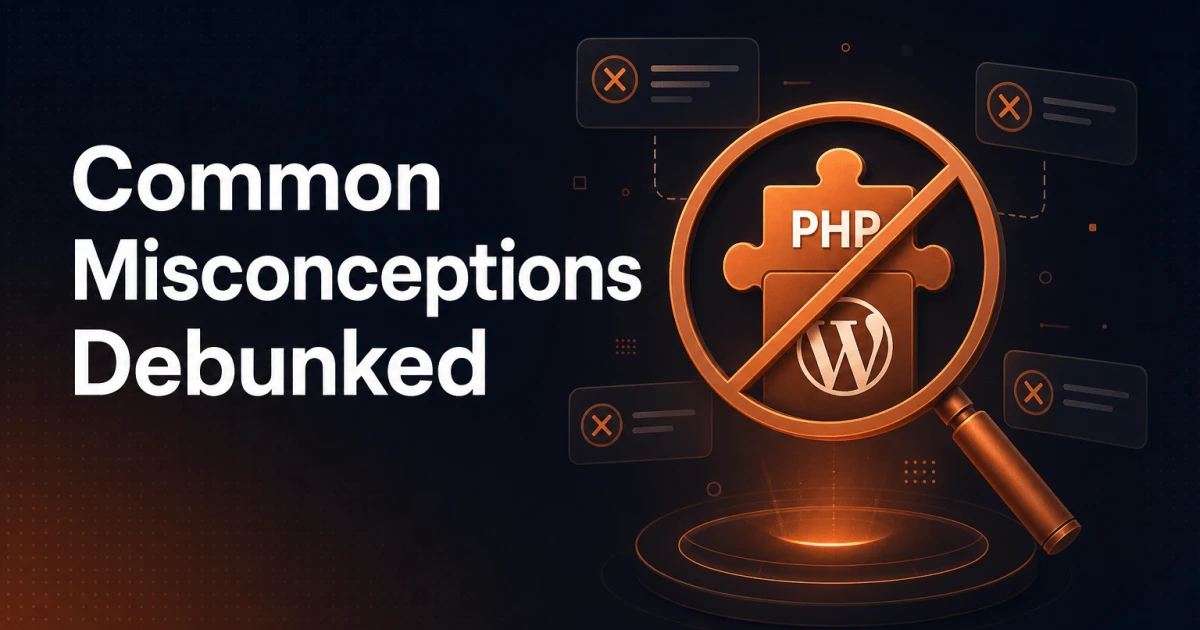
When it comes to optimizing WordPress websites, there are many misunderstandings, especially around PHP and plugin file sizes. It is a common belief that smaller plugins automatically provide better performance. But the reality is that modern servers and PHP engines can easily handle large amounts of files and code. The real culprits behind slow website performance often lie somewhere else.
Misunderstanding #1: Fewer plugins are always faster
The reality about server capacity
Today's servers and PHP engines are incredibly efficient and can quickly load, render, and execute large amounts of code. File size alone rarely causes performance problems. Instead, code complexity and quality play a much larger role.
The real bottleneck: Code quality
Larger plugins can experience performance problems, not because of their size, but due to poorly written code. When developers lose an overview of their codebase, they can introduce inefficient functions, redundant processes, and unnecessary database calls. These elements are what slow down a website's speed, not the large amount of code itself.
Misunderstanding #2: Database calls aren't a big problem
Understanding database bottlenecks
The database is a critical component of any WordPress site, and improper handling can significantly affect performance. Each database call takes time, and too many or unnecessary queries can create significant delays.
Optimizing database performance
To reduce these issues, developers should use techniques like transients and object caching. Transients allow temporary storage of database query results, reducing the need for repeated queries. Object caching stores database query results in memory and speeds up retrieval of data that is frequently accessed.
Best practices for effective plugin development
Write clean and efficient code
Avoid redundancy: Ensure that functions are not duplicated, and that the codebase is well organized.
Optimize functions: Focus on writing efficient functions that perform necessary tasks without unnecessary computation.
Reduce database calls
Use transients: Store temporary data to minimize database calls.
Implement object caching: Cache frequently accessed data to reduce load times.
Regular code reviews
Perform code audits: Regularly review the codebase to identify and fix inefficiencies.
Stay up to date: Keep up with best practices, and update your code to leverage the latest performance-optimizing techniques.
Closing thoughts
The belief that smaller plugin file sizes guarantee better performance is a misunderstanding. Modern servers and PHP engines are more than capable of handling extensive codebases. The real performance problems often stem from poor coding practices and inefficient database handling. By focusing on writing clean, efficient code and optimizing database interactions, developers can significantly improve website performance, regardless of plugin size.
To ensure your WordPress site runs smoothly, you should prioritize code quality and efficient database management. Regular code reviews and updates with best practices help maintain optimal performance and deliver a fast, responsive user experience.