The password was invented in 1961 at MIT. The first known password breach followed not long after. For six decades, the security industry's response has been to add layers on top of a fundamentally broken idea - complexity requirements, expiry policies, breach monitoring, password managers, TOTP codes, SMS OTPs. Every one of these is a patch, not a fix. Passkeys are the first authentication method in half a century that actually attacks the root problem rather than wrapping it in more duct tape.
That's not hype. It's a structural argument. And once you understand how passkeys work at a technical level, the gap between them and password-based authentication - even password-plus-MFA - becomes difficult to ignore.
What Passkeys Actually Are
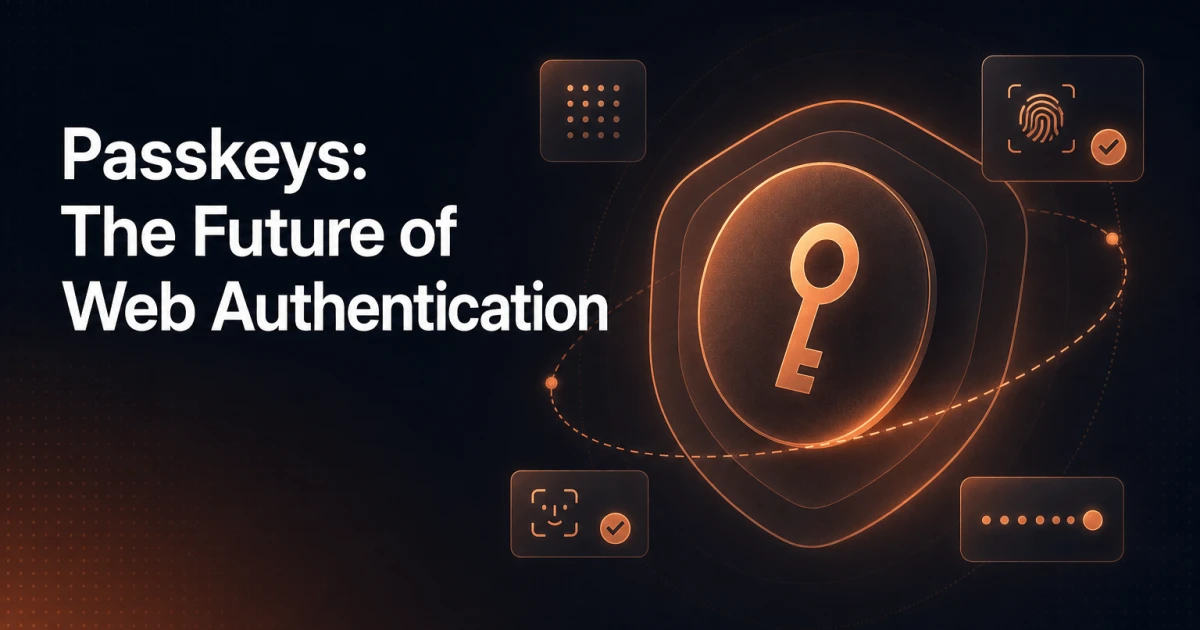
A passkey is a credential built on public key cryptography. When you register with a site, your device generates a cryptographic key pair: a private key that never leaves the device, and a public key that gets sent to the server. The server stores only the public key. There is no shared secret - no password that exists on both ends of the wire and therefore can be stolen from either end.
Authentication works by challenge-response. The server sends a random challenge; your device signs it with the private key; the server verifies the signature against the stored public key. If the signature checks out, you're in. The private key itself is never transmitted. It never touches the network. It can't be phished because it doesn't travel. It can't be leaked in a database breach because the server never had it.
The private key is protected by the device's secure enclave or TPM chip, and access to it requires local user verification - biometrics (Face ID, fingerprint) or a device PIN. This means passkeys bundle authentication and authorization into a single gesture that is simultaneously more secure and faster than typing a password.
Passkeys are synced across a user's devices through platform ecosystems - iCloud Keychain for Apple, Google Password Manager for Android and Chrome, and Windows Hello for Microsoft devices. This addresses the old objection that cryptographic credentials are too fragile to be practical. Lose your phone, your passkeys survive in the cloud, protected by the same platform security that guards your other credentials.
The Authentication Flow Under the Hood
The technical foundation is the WebAuthn specification (Web Authentication API), a W3C standard that defines how browsers and servers communicate during passkey registration and assertion. The FIDO2 standard sits above it, with WebAuthn handling the browser-to-server protocol and CTAP (Client to Authenticator Protocol) handling the browser-to-authenticator communication.
The registration flow looks like this:
The server generates a challenge and sends it to the browser along with options specifying acceptable authenticator types and relying party information.
The browser calls
navigator.credentials.create(), which triggers the platform authenticator - the OS-level dialog asking the user to verify with biometrics or PIN.The authenticator generates the key pair, signs the challenge with the private key, and returns an attestation object containing the public key and credential ID.
The server validates the attestation, stores the public key and credential ID, and associates them with the user account.
The authentication flow mirrors this. The server sends a new challenge; the browser calls navigator.credentials.get(); the authenticator prompts for user verification, signs the challenge, and returns an assertion; the server verifies the signature. The entire exchange takes seconds and requires zero password input.
The relying party ID - essentially the domain - is cryptographically bound into the credential at registration time. A passkey registered on bank.com cannot be used to authenticate to bank-login.com. This binding is enforced at the cryptographic level, not the UI level. Phishing attacks that clone a site's visual design are structurally defeated.
Why This Beats Passwords Plus MFA
The standard counter-argument is that a strong password combined with TOTP-based MFA is good enough. It isn't, and the reasons are architectural.
TOTP codes are phishable. Real-time phishing proxies like Evilginx sit between the user and the legitimate site, relay credentials in real time, and capture session tokens after MFA is satisfied. The user completes MFA correctly. The attacker gets the session. This attack is not theoretical - it's been used against major financial institutions and cloud providers.
SMS OTP is worse. SIM swapping attacks have compromised accounts at Twitter, Coinbase, and countless smaller targets. Carriers have no robust identity verification for SIM transfers. SMS as an authentication factor is a liability dressed as security.
Password databases get breached. Even with bcrypt or Argon2 hashing, breached databases eventually yield cracked credentials through dictionary attacks and GPU-accelerated brute force. Credential stuffing then hits every other site where the user reused the password - which is most of them.
Passkeys eliminate all three attack surfaces simultaneously. There is no credential to phish because the private key never travels. There is no database of hashed passwords to breach because the server stores only public keys. There is no TOTP code to intercept because the authentication is a signed cryptographic assertion, not a knowledge factor.
This is not marginal improvement. It's a different category of security.
Where Passkeys Are Live Today
Adoption has moved faster than most expected. Apple added passkey support across iOS 16, macOS Ventura, and Safari in 2022. Google followed with Android and Chrome. Microsoft implemented passkeys in Windows 11 and Edge. The major platform authenticators - Apple's iCloud Keychain, Google Password Manager, and Windows Hello - all support passkey sync.
On the service side, Google, Apple ID, PayPal, GitHub, Shopify, Best Buy, and dozens of others now offer passkey sign-in. The FIDO Alliance's passkey directory tracks live implementations and is growing monthly. Browser support covers Chrome 108+, Safari 16+, Firefox 122+, and Edge 108+. WebAuthn is available in every major browser. The infrastructure question is largely settled.
What hasn't caught up is the long tail of web applications - including the majority of WordPress sites, SaaS tools, and custom-built apps where password authentication is still the default and passkeys are an afterthought, if considered at all.
Implementing Passkeys: The WebAuthn API and Available Libraries
The browser-side API is relatively straightforward. The complexity lives on the server side, where you need to handle challenge generation, credential storage, and assertion verification correctly. Getting any of these wrong creates security holes that negate the benefits of passkeys entirely.
For most teams, the right approach is to use a well-audited library rather than implementing the cryptographic verification manually. Good options include:
web-authn (PHP): The web-auth/webauthn-framework library is the most complete PHP implementation, with support for attestation formats, CBOR decoding, and credential management. It integrates with Symfony and can be adapted for any PHP application.
SimpleWebAuthn (Node.js): A clean, well-documented library for server-side verification in Node environments, with a matching browser-side package that wraps the WebAuthn API.
py_webauthn (Python): Duo Security's Python library, solid for Django and Flask integrations.
The minimum server-side implementation needs to handle: generating cryptographically random challenges (use a CSPRNG, not Math.random()), storing challenges with short TTLs to prevent replay attacks, persisting the credential ID and public key per user, and verifying the authenticator data flags - particularly the user presence (UP) and user verification (UV) bits - on every assertion.
On the WordPress side, the plugin landscape for passkeys is still thin. A handful of plugins exist, but none have reached the maturity level of established auth plugins. This is a gap worth watching - WordPress powers over 40% of the web, and the platform's authentication layer hasn't meaningfully evolved in years. Developers building custom WordPress applications today would need to implement WebAuthn via a custom plugin using one of the PHP libraries above, integrating with WordPress's user session and nonce systems carefully.
If you're evaluating the security posture of a WordPress site more broadly, tools like the SEO Analyzer surface technical issues across a site's configuration - a useful starting point before layering in authentication changes, since security and technical health tend to compound each other.
The Transition Problem: Running Both Systems
The practical reality is that you cannot flip a switch and eliminate passwords. Users have existing accounts. Some devices don't support passkeys. Some users won't trust a new authentication method immediately. The transition period - which will last years - requires running passwords and passkeys in parallel.
The architecture for this isn't complicated, but it requires deliberate design decisions:
Additive enrollment: Offer passkey registration as an option after password login, framed as a convenience upgrade rather than a security lecture. Users respond better to "sign in faster" than "your current method is insecure."
Credential preference logic: When a user has both a passkey and a password registered, surface the passkey prompt first. Don't make users hunt for it.
Account recovery: Passkeys don't solve account recovery. You still need an email verification flow or backup codes for users who lose access to all their registered authenticators. Design this before you need it.
Progressive deprecation: Track the percentage of active users with passkeys enrolled. Once it crosses a meaningful threshold for your user base, you can consider making password login a fallback rather than the default - and eventually, for new accounts, requiring passkey enrollment at registration.
The transition is also where UX matters most. WebAuthn browser dialogs vary across platforms and can confuse users who don't understand what a passkey is. Clear explanatory copy at enrollment time - what a passkey is, where it's stored, how to use it on a new device - reduces abandonment significantly. The passkey glossary entry is a useful reference for the terminology if you're writing user-facing explanations.
When Passkeys Become the Expected Standard
The trajectory is clear. Apple, Google, and Microsoft have aligned on a shared standard for the first time in authentication history. These three companies control the authenticators on virtually every consumer device on earth. When they agree on something and build it into the OS, it becomes infrastructure. It becomes expected.
The question isn't whether passkeys will become the default authentication method for the web. It's how long the legacy password tail will drag on, and whether your application will be ahead of that curve or scrambling to catch up when users start expecting passkey sign-in as a baseline feature - the same way they now expect HTTPS as a baseline.
Developers building new applications today have no good reason to make passwords the primary authentication mechanism. The WebAuthn API is stable, the libraries are mature enough, and the browser support is universal. The implementation cost is real - particularly the server-side verification logic and the account recovery design - but it's a one-time investment that eliminates an entire category of ongoing security liability.
For existing applications, the path is progressive enrollment: add passkey support alongside passwords now, track adoption, and plan the deprecation timeline deliberately rather than reactively. The developers who start that process today will be the ones who aren't emergency-migrating their auth systems in three years when the pressure becomes unavoidable.
Passwords were never a good idea. They were a convenient one. Convenience has kept them alive for sixty years, and now a better option is convenient enough to replace them. That's when things actually change.