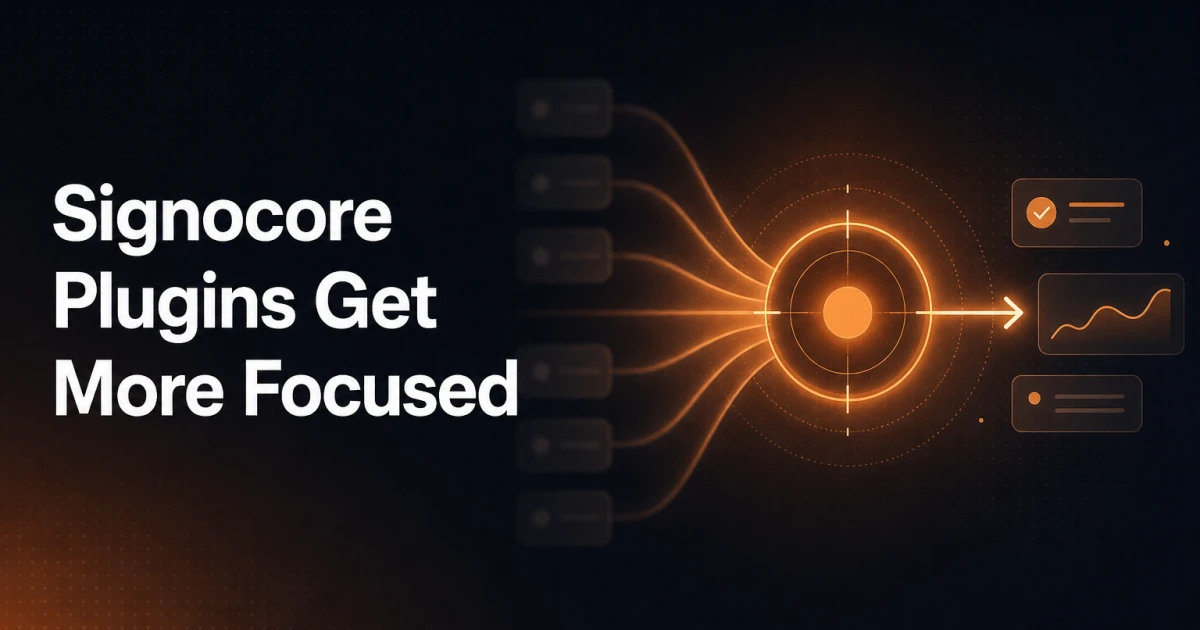
A plugin that does everything is a plugin that does nothing particularly well. That is the reasoning behind a structural change we have made to Signocore SEO and Signocore Toolkit - two plugins that previously shared responsibility for features that belong in only one of them.
Starting with this update, security and hardening features are no longer part of Signocore SEO Pro. They now live exclusively in Signocore Toolkit, where they have always conceptually belonged.
What Moved and Where It Went
Two specific features have been removed from Signocore SEO Pro and relocated to Signocore Toolkit:
Hide Login URL was previously accessible from the SEO plugin's settings panel. It has been moved to Signocore Toolkit, which is the appropriate home for anything related to WordPress hardening and access control.
Security Headers - the ability to configure HTTP response headers like X-Frame-Options, X-Content-Type-Options, and Content-Security-Policy - has also been moved to Signocore Toolkit. Security headers are a server-level concern, not an SEO concern, and they belong in a plugin built around site protection.
If you were using either of these features through Signocore SEO Pro, they are still available. You will find them under the same logical grouping inside Signocore Toolkit. Your existing configuration is preserved during migration.
Why the Split Makes Sense
Signocore SEO exists to help you manage meta tags, structured data, sitemaps, canonical URLs, and everything else that affects how search engines understand and index your site. Adding security features to that scope creates confusion - both for users trying to navigate the settings and for the plugin itself, which ends up maintaining code that has nothing to do with its core purpose.
Signocore Toolkit is built around a different mandate: hardening, utilities, and operational features that keep a WordPress installation secure and well-maintained. Security headers and login URL obfuscation fit that description precisely. They are not SEO features that happen to touch security - they are security features, full stop.
The restructure is not about adding new functionality. It is about making existing functionality easier to find, easier to reason about, and easier to maintain over time.
What This Means for Your Setup
If you run both plugins, the transition is seamless. Features that moved are automatically available in Signocore Toolkit once you update both plugins to their latest versions.
If you are currently running Signocore SEO Pro without Signocore Toolkit, and you rely on Hide Login URL or Security Headers, you will need to install and activate Signocore Toolkit to retain that functionality after updating.
Sites that do not use either of the moved features are unaffected by this change.
The Broader Direction
This restructure reflects a straightforward principle: each plugin should have a clear, defensible scope. When a plugin accumulates features outside its core responsibility, it becomes harder to maintain, harder to document, and harder for users to understand what they are actually installing.
Signocore SEO is now entirely focused on SEO. Every setting, every option, and every feature inside it serves that one purpose. Signocore Toolkit is now the single place for hardening, utilities, and security - anything that keeps the WordPress installation itself running correctly and safely.
Two plugins with focused mandates are more useful than two plugins with overlapping responsibilities.