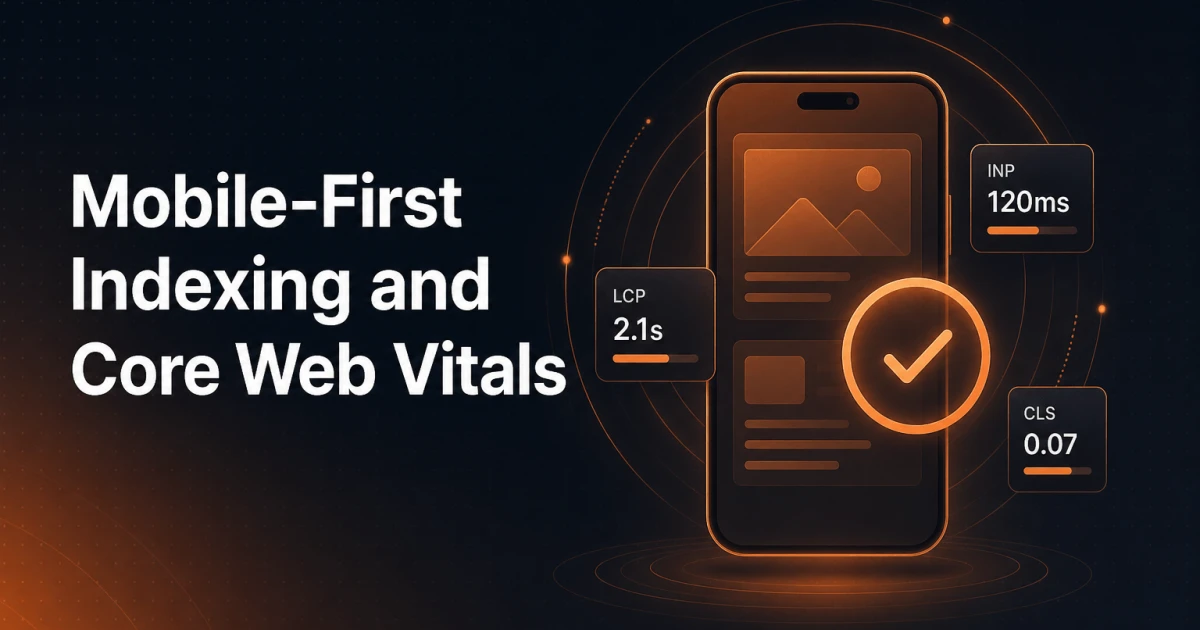
In today's digital world, it's crucial to optimize your website for mobile use. With Google's focus on mobile-first indexing, it's no longer enough to have a fast and user-friendly desktop version of your site. To rank highly in search results, your page must also perform well on mobile devices. At the same time, Google places emphasis on Core Web Vitals – a set of important performance metrics – to ensure a good user experience.
In this post we take a closer look at why mobile optimization is the new standard, and how you can improve your page's mobile performance with a focus on important Core Web Vitals such as Largest Contentful Paint (LCP) and Cumulative Layout Shift (CLS).
What is Mobile-First Indexing?
Mobile-first indexing means that Google primarily uses the mobile version of your website when ranking and indexing it. In the past, the desktop version was used as the baseline, but with the rise in mobile traffic, this has shifted. If your mobile version doesn't deliver a fast and seamless experience, it can hurt your ranking in search engines – regardless of how good your desktop version is.
Why is it important?
Mobile traffic dominates: More than half of all web traffic comes from mobile devices. If your site isn't optimized for mobile, you risk losing a large portion of your audience.
User experience is crucial: Google prioritizes websites that offer a frictionless mobile experience – from fast load times to easy navigation.
Competitive advantage: Mobile-optimized websites have a greater chance of ranking higher, capturing leads, and converting users than competitors with slow or poorly optimized mobile versions.
Core Web Vitals: Key Metrics for Performance
Core Web Vitals are a set of performance metrics that Google uses to assess the quality of the user experience on your site. The most important metrics are Largest Contentful Paint (LCP), First Input Delay (FID), and Cumulative Layout Shift (CLS). In this article we'll focus on the two most relevant for mobile optimization: LCP and CLS.
Largest Contentful Paint (LCP)
LCP measures how long it takes for the largest content element on a page to become visible to the user. On mobile, where users often have slower connections, it's important to ensure fast load times. Google recommends that LCP be 2.5 seconds or less to avoid visitors leaving the page.
How to improve LCP:
Optimize images: Compress images and use modern formats like WebP for faster loading.
Minimize CSS/JavaScript: Reduce render-blocking resources that delay loading of important page elements.
Use a fast and lightweight theme: Choose a theme optimized for performance and ensure your mobile users experience fast loading times without unnecessary delays.
Cumulative Layout Shift (CLS)
CLS measures how stable the layout is while the page loads. High CLS values can lead to a frustrating experience for mobile users if buttons or text move while they try to interact with the page. Google recommends a CLS score under 0.1 to ensure a stable and user-friendly experience.
How to reduce CLS:
Specify size for images and videos: Make sure to define width and height for media files to avoid unexpected shifts.
Avoid content that pushes the layout after load: Ensure that ads, images, and embedded content do not affect layout stability.
Use a stable WordPress theme: A well-designed theme with clean and structured code minimizes layout shifts and improves visual stability on mobile devices.
How to Optimize Your Mobile Performance
Now that we've covered why mobile-first indexing and Core Web Vitals are important, let's look at how you can improve performance on your mobile site.
1. Choose a Mobile-Optimized WordPress Theme
Choosing a theme built for mobile optimization is essential. A minimalist and speed-optimized theme prioritizes the mobile user experience and has lightweight code that ensures fast loading and reduces the risk of high CLS values. With the right theme, you can meet both Google's requirements for mobile-first indexing and Core Web Vitals – without compromising on design or functionality.
2. Optimize for Core Web Vitals
Use lazy loading: Load images and videos as they come into view to improve LCP.
Prioritize above-the-fold content: Ensure that critical content loads first so users can interact with the page quickly.
Enable caching: Use caching to reduce load times on repeat visits and improve user experience.
3. Use SEO Plugins for Technical Optimization
Signocore SEO is a powerful WordPress plugin that handles critical SEO tasks such as structured data, meta tags, and features like IndexNow for fast indexing. It ensures that your mobile page not only performs well but also ranks high in search results.
Final Thoughts
Mobile-first indexing is no longer a choice – it's the standard. By optimizing your site for Core Web Vitals, especially LCP and CLS, you can ensure that your mobile page delivers a fast, seamless experience that meets Google's high standards. With tools like Signocore SEO, you can easily achieve these benchmarks while giving your users a better experience.
Start optimizing your mobile page today and give your website the edge it needs in today's competitive digital landscape.